multiball

drums play pinball

20 HP

A pinball table for your rack. Patch your kick and snare into the flippers: every hit flips one, and if the beat's there when the ball comes down, it's saved. Every bumper, slingshot and target the ball hits plays your rack back.

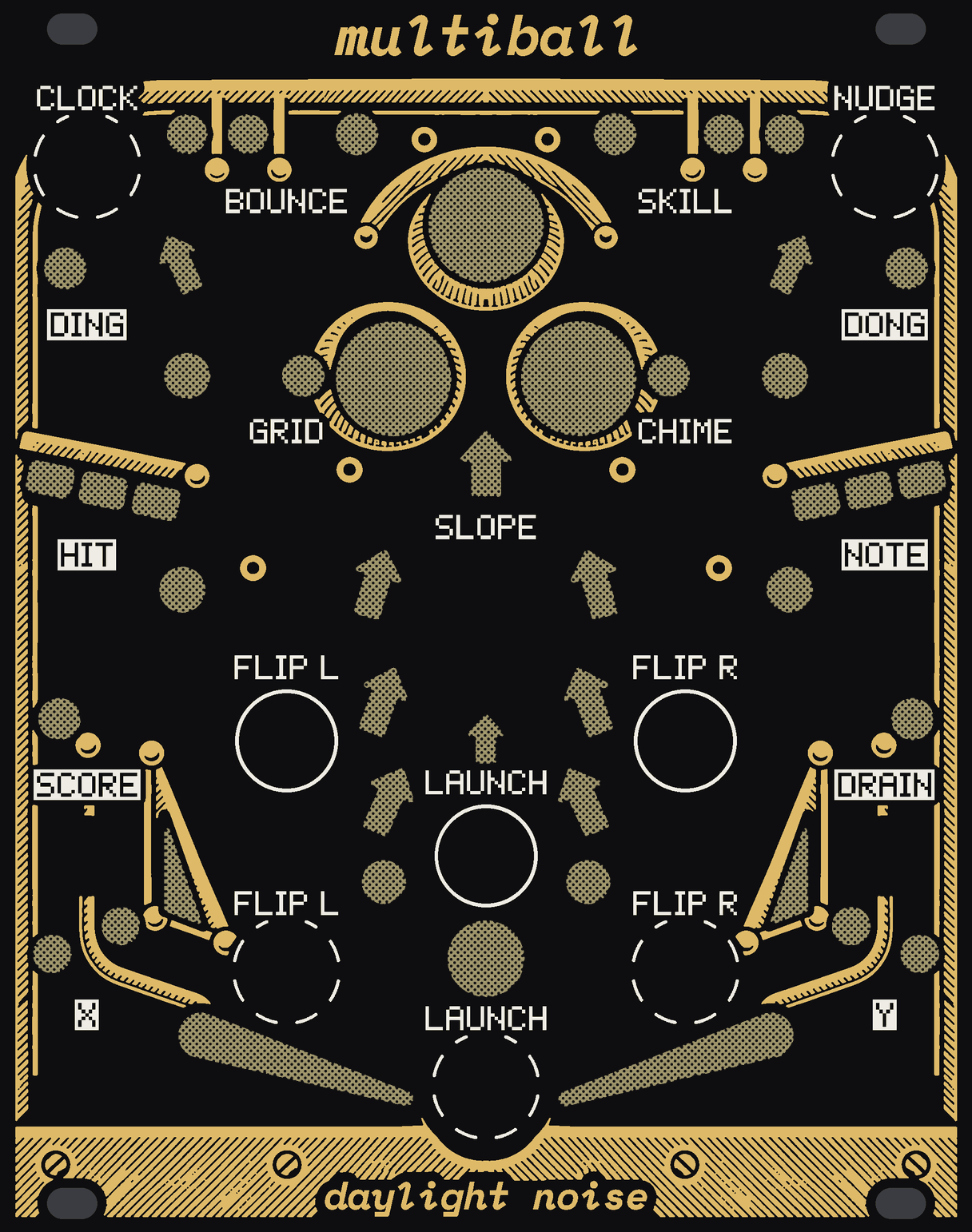
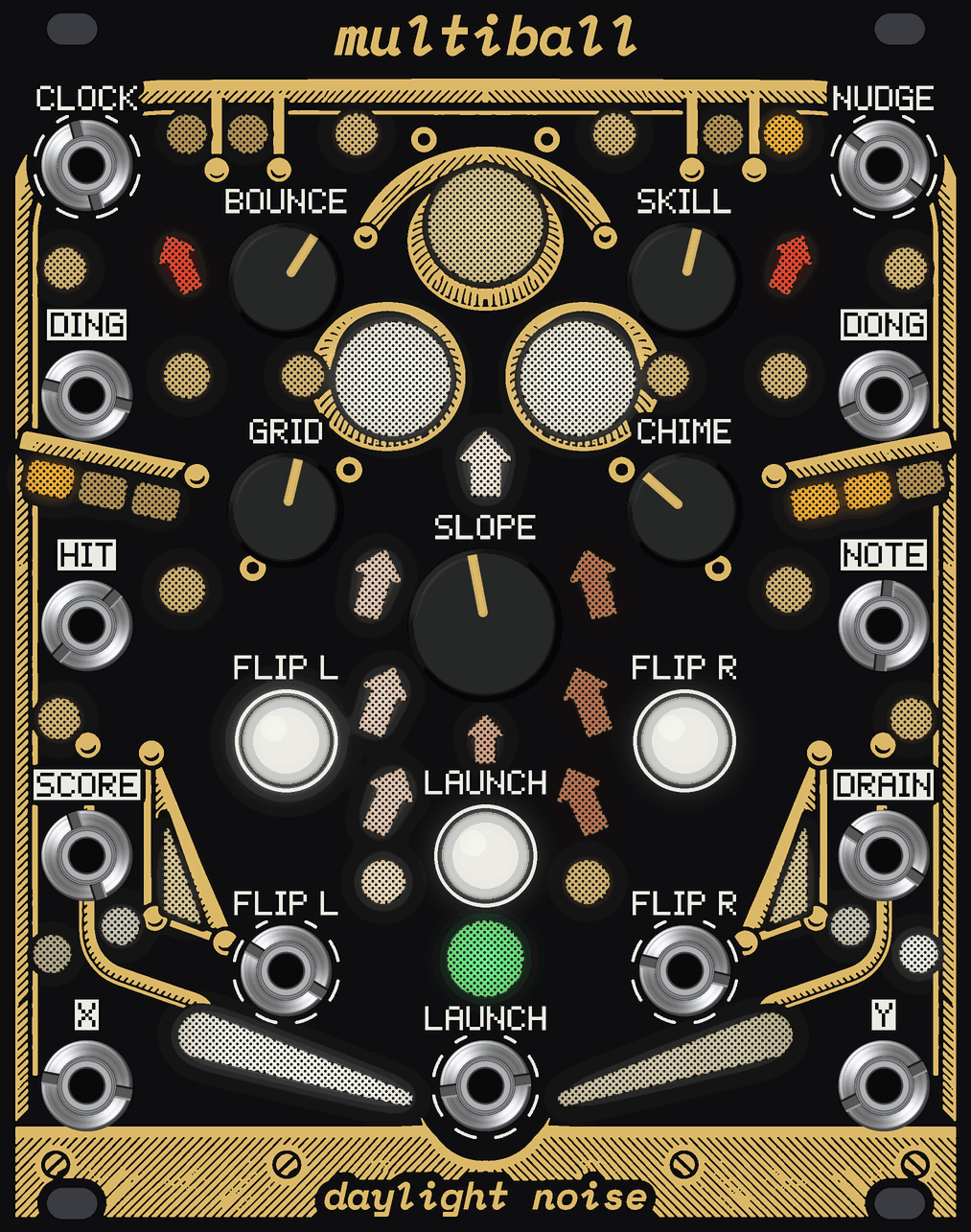
The MULTIBALL panel, black and gold: a pinball table seen from straight above, drawn in ink and filling the panel, its metal solid gold, its outlines and hatching black. A gold top arch and side rails, wire lane guides at the top, three pop bumpers in a triangle with hatched gold bezels and a gold plastic arched over the top one, a bank of three targets on each side wall, red arrow inserts fanning up from the flippers, round lamps and slingshots with gold plastics above them. At the foot two long ivory flippers point down at the drain, where LAUNCH's jack sits, over a hatched gold apron. The knobs and jacks stand between the inserts; FLIP L and FLIP R's buttons sit over their jacks above the flippers, LAUNCH's over the drain.

Turn a knob: drag it or tap either side of it, roll the wheel over it or use the arrow keys; a double click puts it back. LAUNCH fires the ball; hold FLIP L and FLIP R to raise the flippers (or Z and M, with Space for LAUNCH). The patches step on by themselves until you touch anything.

The table, the game and its bells, in your browser, fed by a stand-in rack (a glam band, or the beginner's loop) where a patch has one.

example patches

Everything MULTIBALL does here is the module's own engine in your browser: the table, the ball, the game and the bells, and it hears only what comes into its jacks. The glam band and the beginner's loop are a stand-in rack. Each visit plays a new game.
Your beat works the flippers

Inside is a pinball table: a steel ball on a sloped playfield, three pop bumpers, slingshots, lanes, two banks of targets and two flippers at the foot. Patch a kick into FLIP L and a snare into FLIP R, and every hit raises a flipper. If the beat's there when the ball comes down, it goes back up the table; if not, it drains.

A trigger is enough: a flip lasts its whole swing, and a gate held high keeps the flipper up while the ball settles in its crook. SKILL is your grace: a ball rolling off a flipper's tip waits a moment for your beat, none fully left, 150 milliseconds fully right. A steady kick and snare keep a ball going two and a half times as long as no beat. The FLIP buttons do what the jacks do.

By feel

The table plays your rack

The game

SLOPE and BOUNCE

The bells

What it can't do

Inside

The MULTIBALL panel playing: the table's inserts lit, the flippers' bats white.

Drag it or use the arrow keys to turn it; click it to take it apart.

Specs

Format

Width
20 HP
Depth
20.6 mm behind the panel
+12 V
about 95 mA dark, 110 to 165 mA playing, 235 mA at the most (estimated)
−12 V
about 6 mA (estimated)
+5 V
not used
Controls
five knobs (SLOPE, BOUNCE, SKILL, GRID, CHIME), three lit buttons (LAUNCH, FLIP L, FLIP R)
Light
68 RGB LEDs under the table's 46 inserts
Replaces
a random source, a trigger generator, two slow LFOs and an envelope that builds over minutes

Inputs

FLIP L
gate: the left flipper is up while it's high (nothing: the player plays it)
FLIP R
gate: the right flipper, the same
LAUNCH
gate: each rising edge fires the ball (in play, a nudge up the middle)
CLOCK
gate: a sixteenth each rising edge, for GRID and the bells (nothing: 120 BPM)
NUDGE
a hit or audio to ±10 V: each rise past 2 V shakes the table

Outputs

X, Y
CV, 0 to 8 V: the ball's place across and up the table
HIT
trigger, 5 V: every bumper, slingshot and target
NOTE
1 V an octave: the note of the thing just hit (0 V the C two octaves under middle C)
SCORE
CV, 0 to 8 V: climbs through a ball
DRAIN
gate, 5 V: a ball lost (a second at game over)
DING, DONG
audio: the table's bells, left and right (nothing in DONG: both in DING)

Engine

Brain
RP2350 at 240 MHz, 46.875 kHz: this page's engine, every step it takes the same
Memory
the whole game in under 6 KB of the chip's own: nothing records; only NOTE's calibration kept through power-off
Updates
over USB, the panel left on