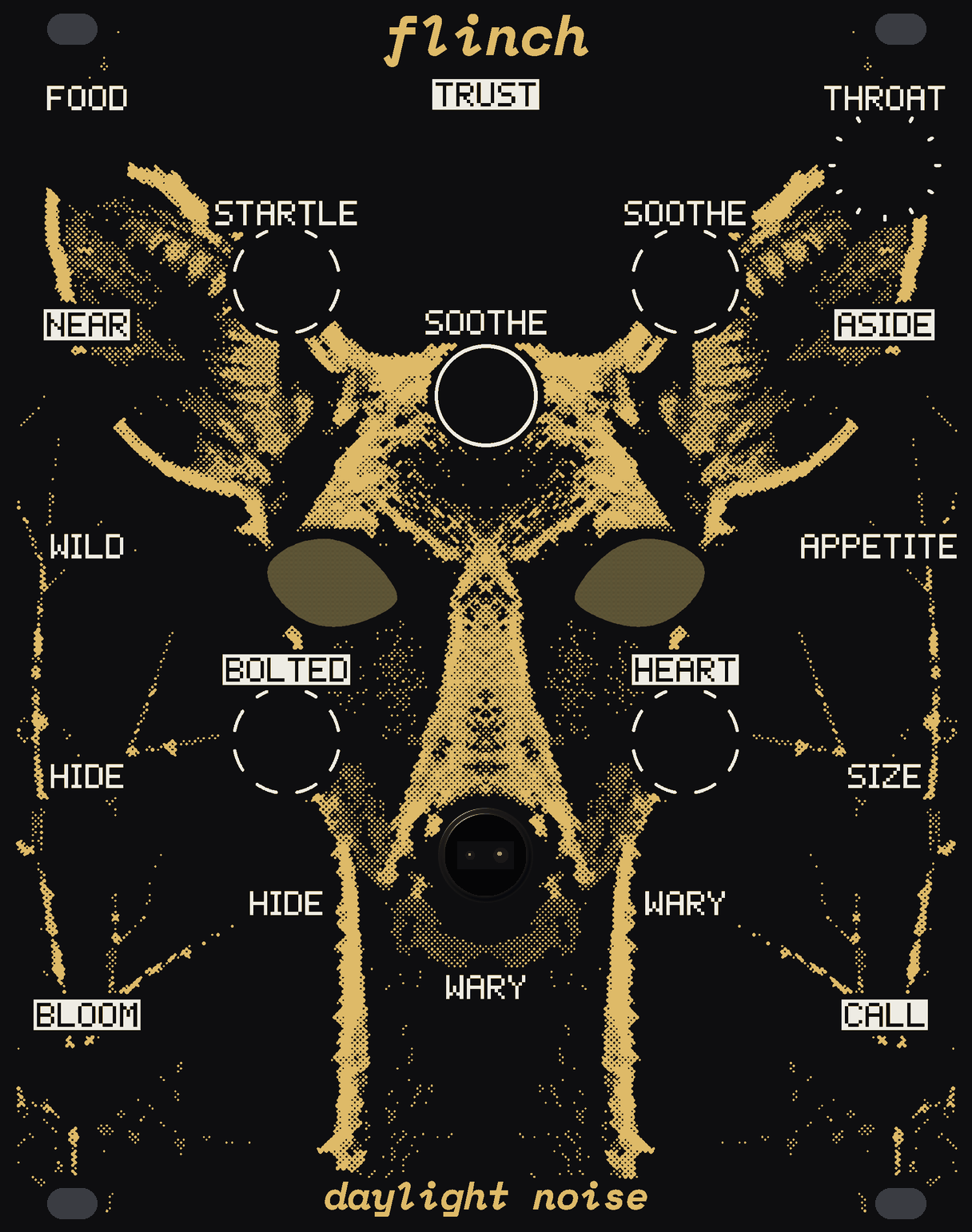
go slowly
20 HP
A small wild animal in your rack, and it can see your hand. Reach for it fast and it bolts, and your sound goes with it. Come in slowly and it lets you. Spend time with it and it trusts you, and it keeps that with the power off.
Your hand: your pointer over its face is your hand, and the middle of its face is the panel. Go slowly. On a phone, put a finger down at the edge of its face and draw it in; on a keyboard, tab to its face and use the arrow keys. Turn a knob: drag it or tap either side of it, roll the wheel over it or use the arrow keys; a double click puts it back. SOOTHE is a button: hold it.
example patches
Its nerves, its voice and every out and light here are FLINCH's own code, running in your browser, and it remembers you in this browser. The rack round it is a stand-in. It comes round about sixty times as quickly here as on the module.
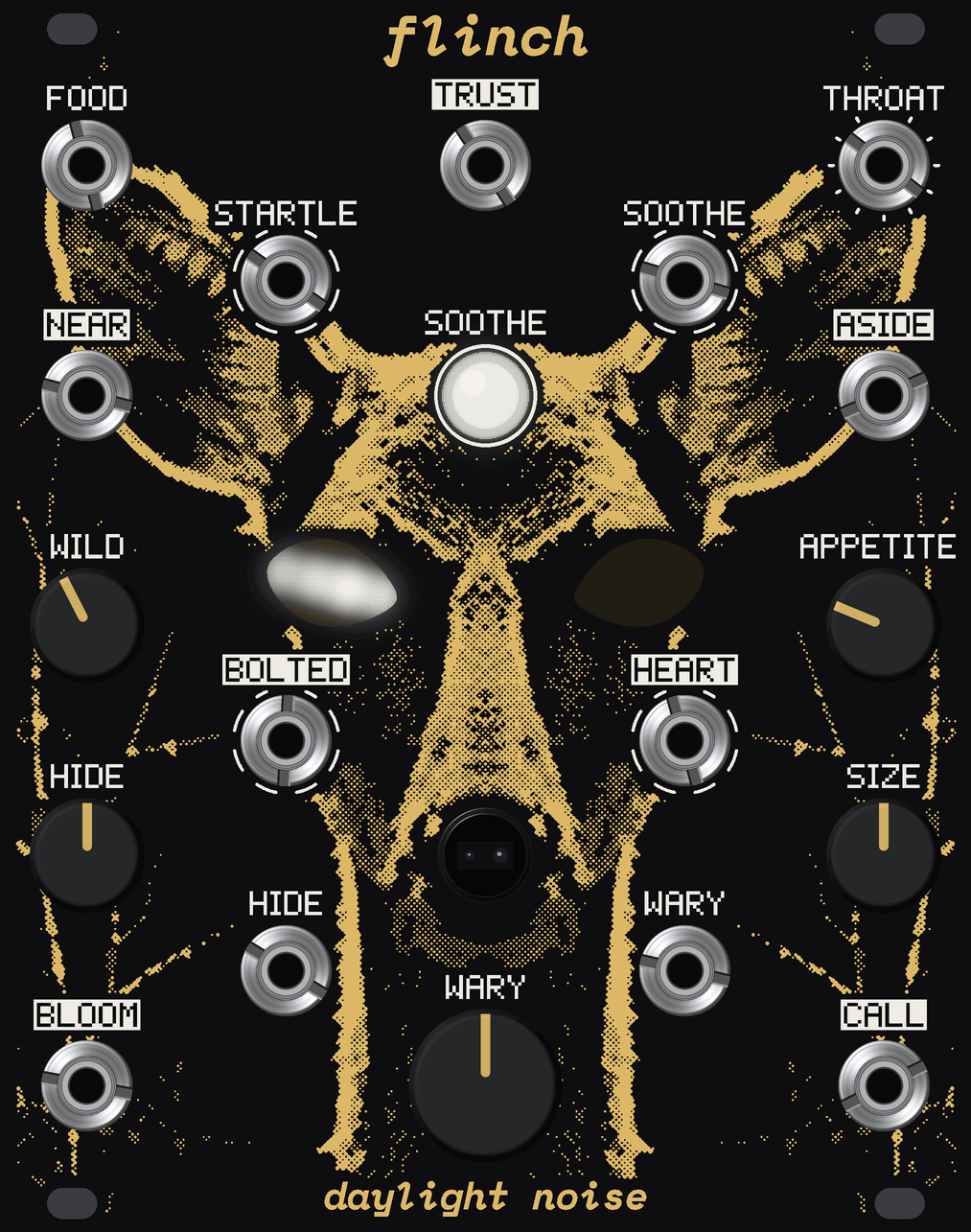
A sensor looks out of the hole in its nose, about 45 cm out. What matters to it is how soon you'd arrive: come in so you'd get there in under a couple of seconds and it bolts, and the closer you are, the slower that means. A hand on its outer knobs, down the side of the module, is out of its sight.
A foot on the ground, a cry, its feet going away. The eyes snap shut and what you've patched through it cuts to nothing. In the dark you can just hear its heart. It comes back as slowly as it stayed away, one eye first, your sound rising with it.
Bring a hand in over ten seconds and hold it near, and it comes forward, your sound opens and it purrs. Every minute it lets you is kept, with the power off. A new one bolts at everything. One you've spent a month with stays out and lets you play it with your hand in the air. Stay away for weeks and it forgets you; months, and it goes feral.
One board sits 10 mm behind the panel with everything on its front, the USB-C in a notch in its left edge. Each eye is ten cells in a black printed baffle, a white LED in each. The sensor has its own small board, plugged into two sockets, and looks out through a printed collar in the hole. The coin cell on the back counts the days.
Drag it or use the arrow keys to turn it; click it to take it apart.