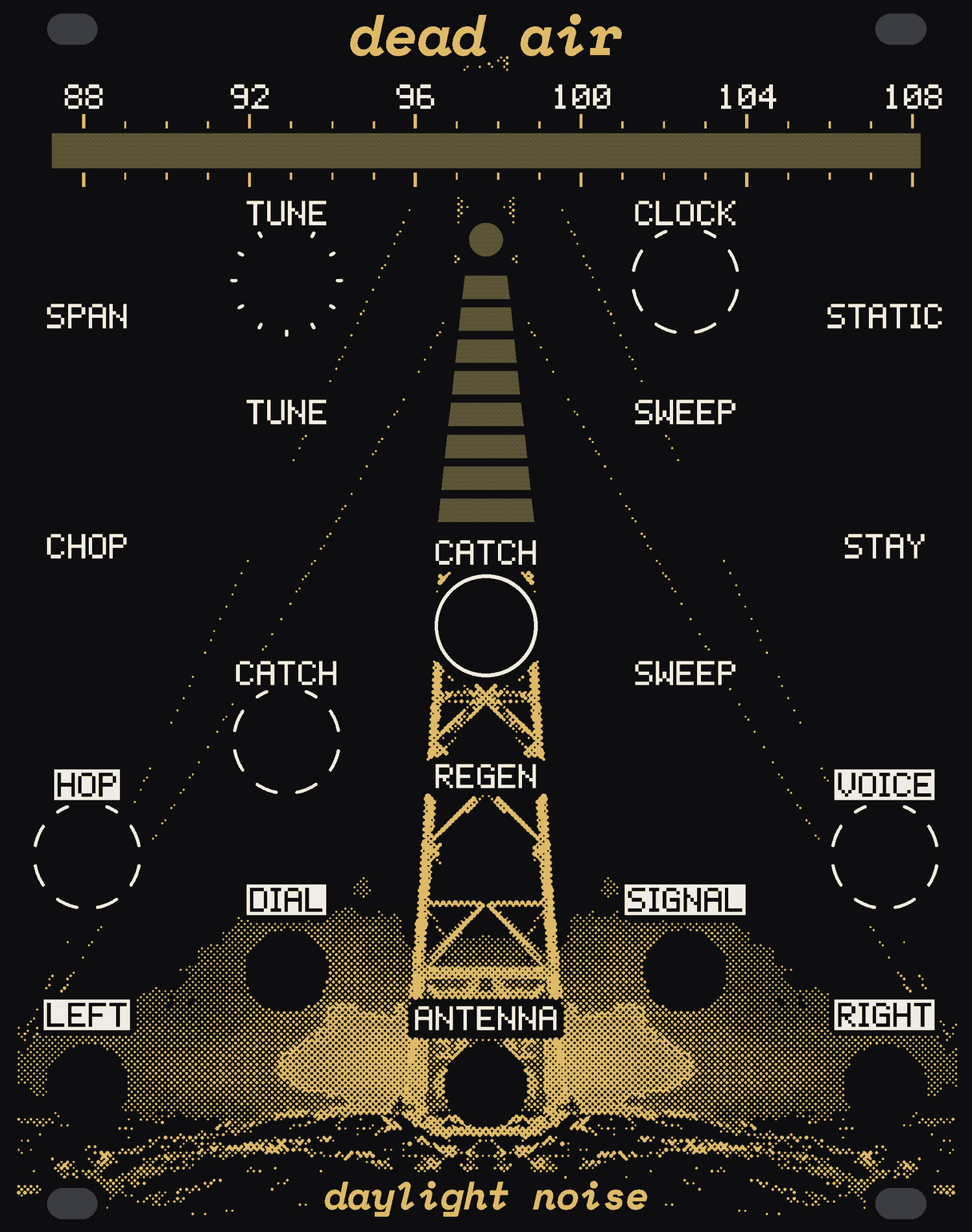
is anyone still on this frequency
20 HP
Two real FM radios in the rack, a patch cable for an aerial. It hops your town's stations faster than you can follow: broken syllables, half a chord, then static. A channel is a semitone, so your town is a scale. When it finds a human voice it can stop and listen.
Turn a knob: drag it or tap either side of it, roll the wheel over it or use the arrow keys; a double click puts it back. CATCH is a button: press to hold the last two seconds, again to let go. The aerial is the loose plug under the panel: drag it anywhere, hold it and your hand's on it, let go and it swings. Tab to it and the arrow keys push it, Space takes hold. The patches step on until you touch something.
example patches
The dial, the map, the sound and every out and light here are DEAD AIR's engine, the module's own code, running in your browser. Only the air is made up: synthesised talk and music, a model of the radio and the cable. This town's stations sit in A minor; yours won't.
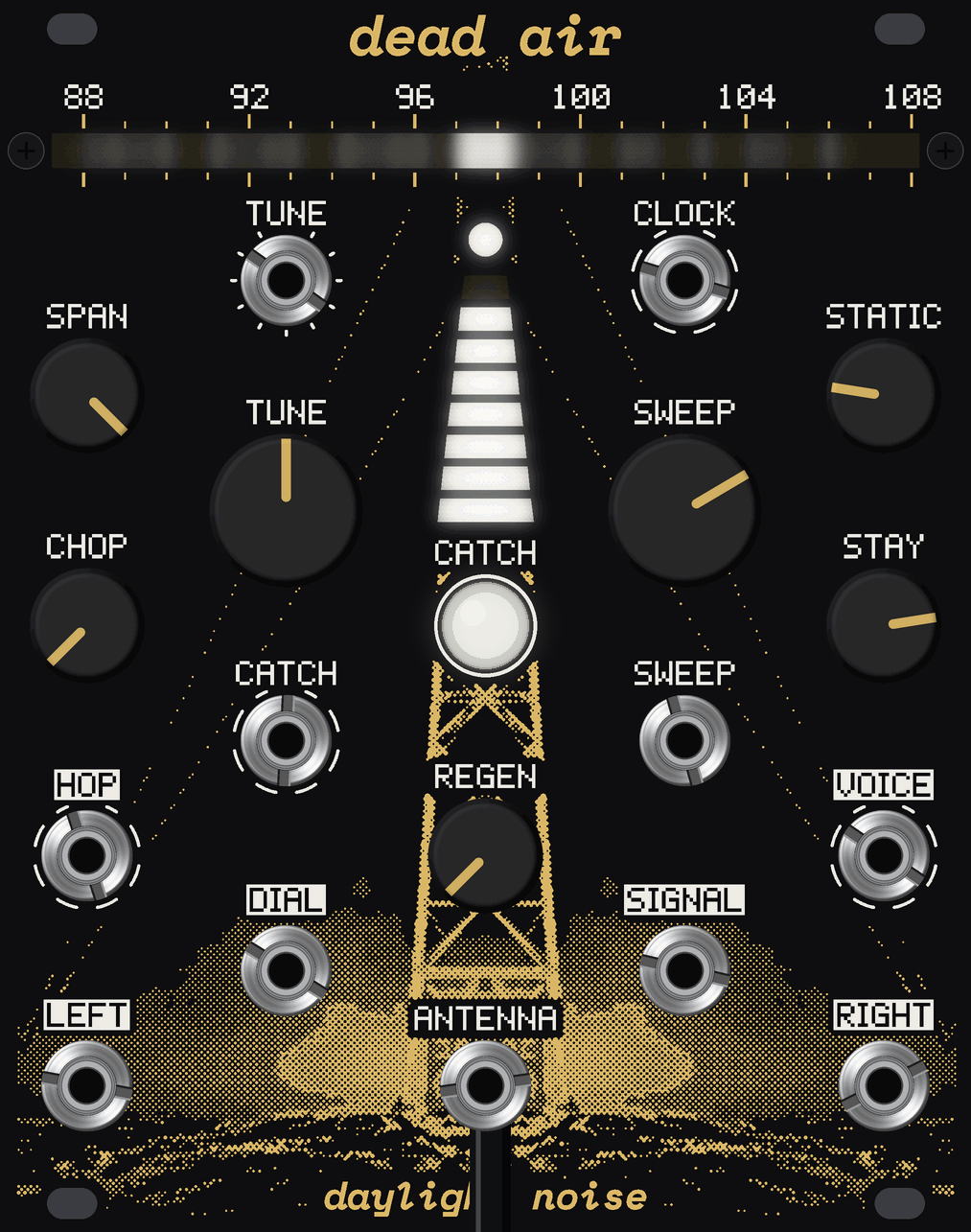
Plug any patch cable into ANTENNA and leave the other end loose. Longer hears further. Hang it clear and faint stations come up out of the hiss; lay it against the rack and the rack's own clocks come in. Move it a hand's width and one station fades as another arrives. Hold it and you're part of the aerial.
Switched on, it walks the band in about four seconds, and each station it finds stays on the dial as a faint mark. The bright needle is the radio you hear; the dim one is the other, already at the next stop, so a hop has no gap.
It always keeps the last two seconds. Catch them and a real voice from just now is held. The needle walks on, but every stop now plays the fragment at its own pitch, so a sequence that was hopping stations plays the same notes on what you caught.
One board sits 10 mm behind the panel with everything on its front, the USB-C in a notch in its left edge. The two radios stand side by side over ANTENNA, at the far end of the board from the clocks. Each dial LED has its own cell in a black printed baffle. Two small screws at the ends of the dial hold the panel's top corners.
Drag it or use the arrow keys to turn it; click it to take it apart.